
AI Video for Shopify: Conversion Lift Guide
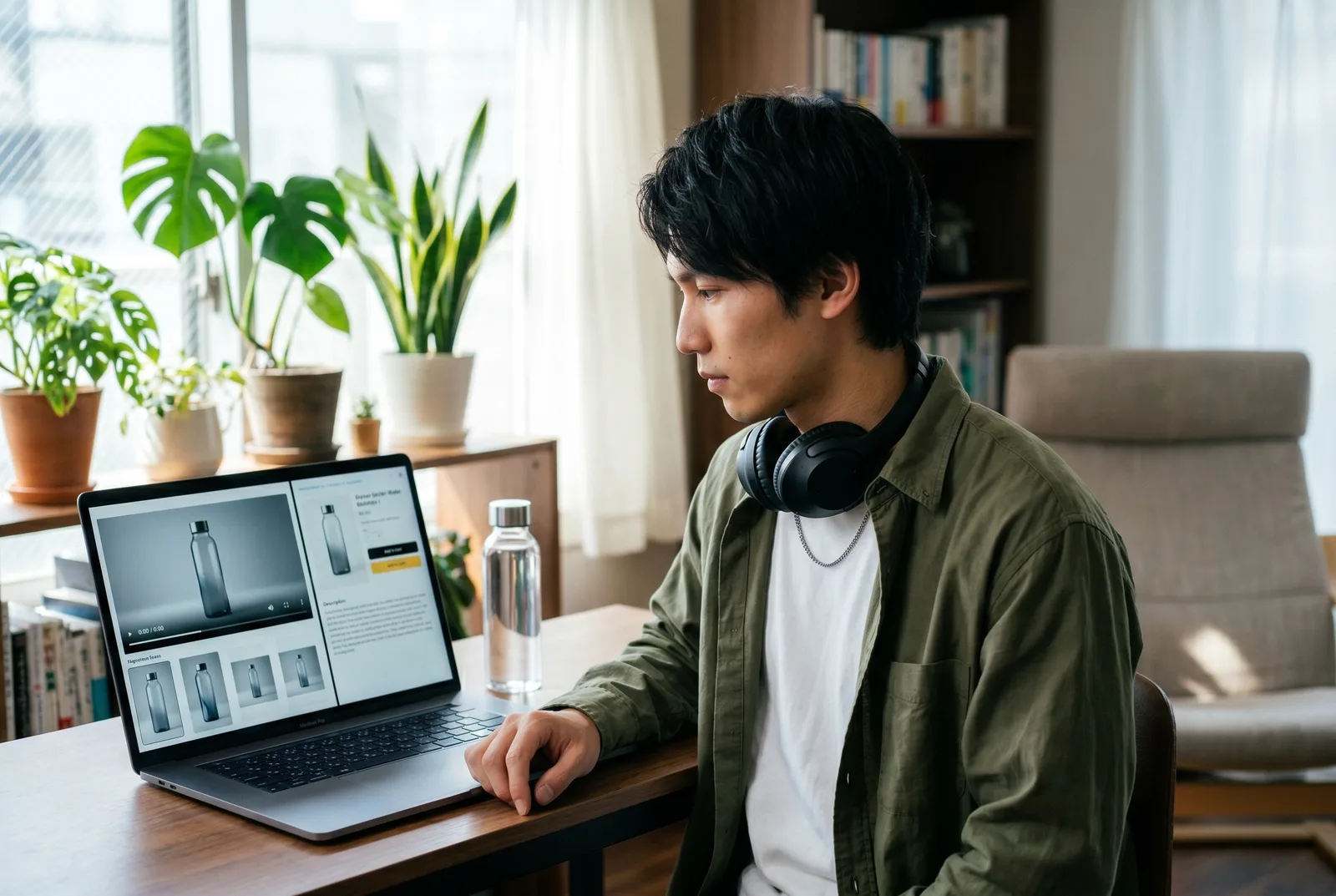
AI video for Shopify is the practice of generating a short product clip with AI, hitting Shopify’s product-media specs, and embedding it on the product page (and reusing it as ad creative) to lift conversions. Store owners reach for it because shoppable-video A/B tests show a +17–33% median sitewide conversion lift and a +125% median lift among shoppers who watch, per Whatmore’s 2026 benchmarks.
You make the clip in a studio, then upload the MP4 to your PDP or your ad account.
This guide is the operator’s version: the real conversion data with primary sources, the exact Shopify video specs, and a step-by-step workflow for producing PDP video, store-embedded shoppable video, and paid ad creative from one source clip. We build the source video in Playcut, a multi-model studio — and we’re honest about what that does and doesn’t do versus a native Shopify app.
In a hurry?
Shoppable video on a Shopify PDP lifts sitewide conversion +17–33% (median) and watcher conversion +125% (median) per Whatmore’s 2026 A/B data.
Shopify product-gallery video specs: .mp4 / .mov / .webm, up to 1 GB, up to 4K, up to 10 minutes — but keep PDP clips under 10 MB and 10–30 seconds to protect Core Web Vitals.
Playcut is the studio where you make the source clip and the ad variants; it is not a Shopify app and won’t auto-pull your catalog. Pricing is flat $9–$149/seat. Jump to the conversion data, the specs table, the step-by-step, or the tool comparison.
Start free on Playcut →
Table of Contents
- AI video for Shopify, in one paragraph
- Does video actually lift Shopify conversions? The data
- The three places AI video earns its keep on Shopify
- Shopify product video specs you have to hit
- How to make an AI product video for Shopify (step by step)
- AI video tools for Shopify compared
- Common mistakes (and how to avoid them)
- Frequently Asked Questions
AI video for Shopify, in one paragraph
AI video for Shopify means generating a product clip with AI, formatting it to Shopify’s product-media specs, and placing it on the product detail page (PDP) or reusing the clip as a product advertisement on paid placements.
The reason store owners bother: video moves the number that pays the bills. Shoppable-video A/B tests report a +17–33% median sitewide conversion lift, and 85% of consumers say they’ve been convinced to buy after watching a video, per Wyzowl’s 2026 statistics.
The mechanical reality is simpler than most tool pages admit. You make the source video somewhere — a native Shopify app that auto-pulls your catalog, or a studio like Playcut where you direct the shot — then you upload an MP4 to the product gallery. This article covers both halves: the studio side (where most of the creative quality lives) and the Shopify side (where the specs and placements live).
Does video actually lift Shopify conversions? The data
Yes — product video reliably lifts e-commerce conversion, with the strongest effect on shoppers who actually watch. The honest caveat is that “lift” depends on placement, product category, and clip quality, and the headline numbers come from vendors who sell video tools, so we attribute every figure and flag the methodology below.
What the consumer-behavior studies say
Independent survey and academic research agree that video shifts purchase behavior. Wyzowl’s 2026 report found that 85% of consumers have been convinced to buy a product or service by watching a video, 63% would most like to watch a short video to learn about a product, and 84% of consumers want more video from brands in 2026.
Academic work explains why. A peer-reviewed study in Frontiers in Psychology — “Effect of Product Presentation Videos on Consumers’ Purchase Intention” — found that product usage videos raise purchase intention more than product appearance videos, working through perceived diagnosticity and mental imagery. The takeaway for a Shopify PDP: show the product in use, not just spinning on a turntable.
Shopify-specific A/B benchmarks (with vendor caveat)
For store-level numbers, the most detailed public dataset is Whatmore’s 2026 Shoppable Video Benchmarks. Across seven brands and 200,000+ sessions, run as 50/50 control-versus-treatment splits validated at p<0.05, the median results were:
- Sitewide conversion-rate lift: +17–33% (median), with the top quartile clearing +50%.
- Watcher conversion uplift: +125% (median), ranging from +50% to +500% for shoppers who engaged with the video.
- Engagement: 10–15% of sessions interacted with the video (top quartile 25%+).
- Revenue from video: 5–25% of total sales.
Named brand results in the same dataset: Nish Hair 62× ROI, Nasher Miles +65% AOV, Aesthesy +40% CVR, and Charmacy Milano +44% add-to-cart in 15 days. The caveat: Whatmore is a shoppable-video vendor reporting its own customers’ results, so treat these as directional, not as an independent audit. The watcher-vs-sitewide gap is the important nuance — the +125% figure applies only to people who pressed play, not to every visitor.
The cost side: why the math works
The reason these lifts pencil out is that AI video collapses production cost. A traditional product shoot runs $150–$1,000+ for a single clip; an AI clip costs cents to a few dollars of model time.
That cost gap is the same one we break down in our true cost-per-clip of AI actor video analysis, and it means you can produce a video for every SKU instead of only your hero products — which is where the sitewide lift compounds.
The three places AI video earns its keep on Shopify
AI video pays off in three distinct surfaces on and around a Shopify store: the product detail page, a store-embedded shoppable widget, and paid ad creative. Each wants a different cut of the same source clip, so produce once and re-cut three ways.
On the product page (PDP gallery video)
The PDP gallery video is the highest-trust placement: it sits in the same media carousel as your product photos, right where a ready-to-buy shopper is already looking. This is the slot the Frontiers study speaks to directly — a 10–30 second clip showing the product in use (worn, poured, assembled, scrolled) does more for purchase intention than a static beauty pass. Keep it short, captioned, and silent-friendly, because most shoppers preview with sound off.
Shoppable / store-embedded video (homepage, collection, floating widget)
Store-embedded shoppable video lives outside the PDP gallery — on the homepage, a collection page, or as a floating “stories”-style widget — and adds in-video product tagging so a viewer can add to cart without leaving the clip. This is the surface Whatmore’s benchmarks measure, and it’s where the +125% watcher lift shows up. Playcut produces the source clip; a shoppable-video app (Whatmore, Tolstoy, Videowise, and similar) handles the tagging and add-to-cart overlay.
Paid ad creative (TikTok / Meta / Reels)
Paid social ads are the third surface: the same product video, cut to 9:16 vertical with a strong first-second hook, running on TikTok and Meta to drive cold traffic back to the store. We keep this section deliberately light — deep paid-social testing strategy (angles, ROAS, creative iteration) is its own discipline, and our AI UGC ads playbook covers it. Here, the ad is a repurpose of the PDP source, not a separate production.
Shopify product video specs you have to hit
Shopify’s product-media gallery accepts .mp4, .mov, or .webm files, up to 1 GB, up to 4K (4096 x 2160 px), and up to 10 minutes, on a theme that supports product media — straight from the Shopify Help Center. Shopify converts and serves every uploaded video as MP4 or HLS for cross-device compatibility, so you don’t need to pre-encode to a specific codec.
The trap is that “allowed” and “advisable” are different numbers. Just because Shopify accepts a 1 GB, 10-minute 4K file doesn’t mean you should upload one. A heavy PDP video competes with your Largest Contentful Paint and can tank Core Web Vitals. The practical operator’s spec is the right-hand column below.
| Spec | Shopify allows | What you should actually ship |
|---|---|---|
| File format | .mp4, .mov, .webm | MP4 (H.264) — Shopify serves MP4/HLS anyway |
| File size | Up to 1 GB | Under 10 MB for PDP clips |
| Resolution | Up to 4K (4096 x 2160) | 1080p (1920 x 1080) is plenty for a PDP |
| Length | Up to 10 minutes | 10–30 seconds on the PDP |
| Aspect ratio | Any | 1:1 or 4:5 for the gallery; 9:16 for ads |
| Theme | Must support product media | Most Online Store 2.0 themes do |
| Audio | Allowed | Caption everything; never autoplay with sound |
To hit a target file size without guessing, run the numbers through the free video bitrate calculator, and use the aspect ratio calculator to plan the gallery and ad cuts before you render. A 30-second 1080p clip at a sane bitrate lands comfortably under 10 MB.
How to make an AI product video for Shopify (step by step)
Here’s the end-to-end workflow for producing a Shopify-ready product video with AI and shipping it to the PDP. It takes one source generation and three quick re-cuts. New to the studio? Our Playcut getting-started walkthrough covers the basics first.
Step 1: Pick the shot — image-to-video, text-to-video, or AI-actor UGC
Start by choosing the format that matches the product. Image-to-video animates a single clean product photo, which is great for a hero pack-shot with subtle motion. Text-to-video builds a scene from a prompt, good for lifestyle context.
AI-actor UGC puts a reusable synthetic person on screen holding or using the product — the “product in use” angle the Frontiers study rewards. For most Shopify PDPs, a short “in use” clip outperforms a spinning beauty pass.
Step 2: Generate it in Playcut
Generate the source clip in Playcut, which routes the prompt across the best model for the job — Google Veo for motion, Imagen and Gemini for stills, plus Grok and select fal.ai providers. Upload one clean product photo to drive an image-to-video render, or open the AI actor library and cast a reusable character to shoot a UGC-style spot.
Attach a per-store brand kit (colors, typography, logo, voice) so every clip stays on-brand — the same multi-brand setup agencies use to keep clients separate. For crisp pack-shots before you animate, our AI product photography guide covers the stills side.
Step 3: Cut to the right aspect ratio and compress
Export the clip in the aspect ratios each surface needs: 1:1 or 4:5 for the Shopify gallery, 9:16 for TikTok and Reels, 16:9 if you also want a landing-page or YouTube cut. Then compress the PDP version under 10 MB — a 1080p, 10–30 second clip at a reasonable bitrate gets there easily. This is the single most-skipped step, and it’s the one that protects your page speed.
Step 4: Upload to the Shopify product gallery
In the Shopify admin, open the product, and in the Media section drag in your MP4 (or .mov / .webm). Shopify processes it and serves it in the product gallery alongside your photos. If you want in-video product tagging and add-to-cart — the shoppable surface that drives the +125% watcher lift — upload the same clip to a shoppable-video app (Whatmore, Tolstoy, Videowise) instead of, or in addition to, the native gallery.
Step 5: Repurpose the same source into TikTok / Meta ad variants
Finally, take the same source generation and re-cut it into vertical ad variants: 9:16, captions burned in, a hook in the first second, and a clear CTA back to the store. Because the source is already produced, this is minutes of editing, not a new shoot — and a reusable AI actor means every variant features the same face, which keeps your retargeting recognizable. The strategy for testing those variants lives in our AI UGC ads playbook.
AI video tools for Shopify compared
The Shopify video tool you pick depends on one question: do you want one-click catalog ingest, or studio depth and reusable actors? Native Shopify apps win on automation (paste a URL, get a video); a multi-model studio wins on creative control, character consistency, and producing stills + video + ads from one place. Here’s the honest split.
| Tool | Type | Auto-pulls catalog? | Model breadth | AI actors / UGC | Brand kits | Pricing | Best for |
|---|---|---|---|---|---|---|---|
| Playcut | Multi-model studio (not a Shopify app) | No — you upload the MP4 | Veo, Imagen, Gemini, Grok, fal.ai | Reusable custom actors | Multi-brand | $9–$149/seat flat | Source video + ad variants, agencies |
| revid.ai | Tool LP | Yes (paste store URL) | Single pipeline | Stock avatars | Limited | ~$20–$80/mo | Fast URL→video drafts |
| Vidify | Shopify app | Yes | Image→video | No | No | App-store credits | In-admin PDP/Reels clips |
| Pixelcut | Tool LP | Partial (upload photo) | Image→video | No | No | ~$10–$25/mo | Animating a product photo |
| Provid.ai | Tool LP | Yes (bulk) | Single pipeline | No | Light | Per-video credits | Bulk branded product videos |
| Majestic | Shopify app | Yes | Image→video | UGC-style | No | App-store credits | Image→lifelike UGC in admin |
The honest concession: if your only need is “paste a Shopify URL and get a usable clip,” a native app like revid.ai, Vidify, or Provid will be faster than Playcut. They ingest your catalog automatically and Playcut does not.
Playcut earns its place when you need the same AI actor across a season of PDP videos and ads, multi-brand kits for a client roster, or stills and cinematic motion from one workspace. That multi-model depth is what we benchmark in our best AI video generator comparison and AI actor generators tested head-to-head. Many operators run a native app for bulk drafts and Playcut for their hero creative.
Common mistakes (and how to avoid them)
Most Shopify video failures aren’t creative — they’re technical and self-inflicted. Avoid these five and your video helps instead of hurts.
- Oversized files that tank page speed. A 200 MB 4K PDP clip is allowed but reckless. Keep it under 10 MB, 1080p, 10–30 seconds, and lazy-load the player below the hero image so the product photo stays your LCP element.
- Autoplay with sound. It startles shoppers, gets muted by the browser anyway, and competes with your interaction metrics. Default to muted autoplay or click-to-play, and caption everything for sound-off viewing.
- No captions for the sound-off feed. Most social previews and many on-site players run silent. Uncaptioned video loses the message entirely — burn captions into the export.
- Generic, stock-looking output. A turntable spin on a white sweep converts worse than a product in use. Lean on the Frontiers finding: show the thing being worn, poured, or used, ideally by a consistent AI actor.
- Ignoring return-rate accuracy. Video that oversells (heavy color grading, impossible lighting) can lift conversion but raise returns. Keep the product’s real color and scale honest so the lift is profit, not refunds.
How Playcut fits the Shopify workflow
Playcut is the multi-model studio where Shopify operators create the source video and every downstream variant. It is deliberately not a Shopify app, so it complements — rather than replaces — whatever embeds the clip on your store.
You describe the shot, Playcut routes it to the right model, the AI actor library keeps the same face across an entire SKU catalog, and per-store brand kits keep colors, logo, and voice consistent. Then you download the MP4 and upload it to your PDP or shoppable-video app.
Pricing is flat and predictable, which matters when you’re producing a clip per SKU: Hobby $9/mo (500 credits, 3 actors), Pro $29/mo (2,000 credits, 10 actors — most popular), Studio $79/mo (4 seats, 6,000 credits), Agency $149/seat/mo (10,000 credits/seat, unlimited seats). Annual billing saves 17%, and credit packs never expire. Ready to produce your first PDP clip? Start free on Playcut.
Frequently Asked Questions
Does adding video to a Shopify product page increase conversions?
Usually yes, but the size of the lift depends on placement and quality. Shoppable-video A/B tests report a +17–33% median sitewide conversion lift and a +125% median lift among shoppers who watch (range +50% to +500%), per Whatmore’s 2026 benchmarks across seven brands and 200,000+ sessions at p<0.05.
Wyzowl found 85% of consumers have been convinced to buy by watching a video. Video multiplies an already-decent PDP; it won’t rescue a broken one.
What are the Shopify product video specs?
Shopify accepts product-gallery videos in .mp4, .mov, or .webm, up to 1 GB, up to 4K (4096 x 2160 px), and up to 10 minutes, on a theme that supports product media, per the Shopify Help Center. Shopify converts and serves all videos as MP4 or HLS. Even though 1 GB is allowed, keep PDP clips under 10 MB and 10–30 seconds to protect Core Web Vitals.
Can I make a Shopify product video from just a product photo?
Yes. Image-to-video tools animate a single product image into motion, and a multi-model studio like Playcut can also shoot a UGC-style spot with a reusable AI actor using the product. Upload one clean photo, describe the motion or scene, and route it through a video model — then re-cut the result for the PDP and for ads.
Is Playcut a Shopify app?
No. Playcut is not a Shopify app and does not auto-pull your catalog from a store URL the way native apps like Vidify, revid.ai, or Provid do. Playcut is the studio where you create the source video and ad variants; you then download the MP4 and upload it to your Shopify gallery or a shoppable-video app.
You trade one-click ingest for reusable actors, multi-brand kits, and a studio that produces stills, video, and product shots from one place. The monetization logic behind it is in our Playcut pricing breakdown.
Will AI product videos hurt my page speed and Core Web Vitals?
They can if the file is oversized or autoplays with sound, but a compressed, correctly sized clip will not. Keep PDP videos under 10 MB and 10–30 seconds, serve compressed MP4, lazy-load the player below the hero image, and avoid autoplay-with-sound. Treat the product image, not the video, as the page’s LCP element.
Conclusion
AI video for Shopify works when you treat it as a system: produce one strong “product in use” clip, hit Shopify’s product-media specs, embed it on the product page, and re-cut the same source into a shoppable widget and vertical ad variants. The data is real — +17–33% median sitewide lift, +125% for watchers — but it rewards quality and placement, not just having a video.
Make the source clip in a multi-model studio, keep it honest about color and scale, and the conversion lift becomes profit rather than returns.
Next steps: spin up your first product clip with the Playcut video generator and a reusable AI actor, or start your free trial — no shoot required.
Related guides: selling on Amazon too? See AI video for Amazon listings. If you produce store video for clients, how much to charge for AI video and AI video agency services cover pricing and packaging. All part of our make money with AI video series.